Beat Sync CapCut Template: How to Get and Use It
What Is the Beat Sync CapCut Template?
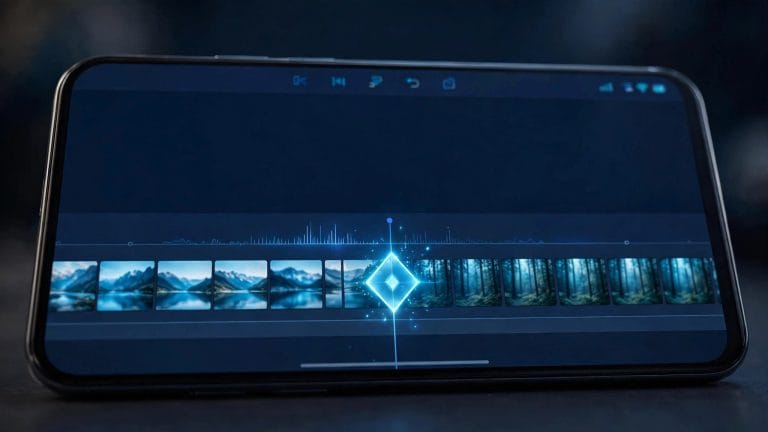
Watch any edit where every cut lands exactly on the drum hit — that punch-you-in-the-chest feeling — and you’re watching beat sync done right. The beat sync CapCut template is a pre-built project where the cuts, zooms, and flashes are already timed to a song’s beat markers. You drop in your clips, and the template does the timing math for you.
Beat-synced edits consistently outperform random-cut edits on Reels and TikTok because the human brain loves audiovisual alignment. This guide shows you how to get the template, use it in minutes, and make the sync actually tight instead of approximately right.
How to Get the Beat Sync Template
Method 1: Search inside CapCut
Open CapCut → Templates → search “beat sync”. You’ll find dozens: pure beat-sync cuts, beat sync + shake combos, beat sync transitions. Sort by uses — the high-count ones have proven timing. Preview with sound on; if the cuts don’t give you goosebumps in the preview, keep scrolling.
Method 2: Template links
Creators share beat sync templates on TikTok and Instagram with direct links. Tap the link → it opens in CapCut → tap Use template. Links die fast (templates get removed or region-locked), so if one fails, search its exact name in the Templates tab. Our templates hub and new-trend roundup track the ones currently working.
How to Use It — Step by Step
Step 1: Pick the right song first
The template comes with its own audio, and its cuts are timed to THAT song’s beats. Golden rule: keep the template’s audio unless you really know what you’re doing. Swapping songs breaks the sync — the cuts were placed for specific drum hits at specific timestamps. If you must change the song, pick one with a nearly identical BPM and drop pattern, then nudge cuts manually afterward.
Step 2: Choose clips with energy
Beat sync amplifies whatever’s in the clips. High-energy footage (dancing, sports, city motion, quick actions) syncs beautifully. Slow, static clips under hard beat cuts feel wrong — the audio promises impact the video doesn’t deliver. Match clip energy to beat intensity: save your calmest clip for the intro/build, hardest-hitting clips for the drops.
Step 3: Replace the placeholders
Tap Use template → tap each placeholder → select your clip. Trim each clip’s in/out so its best moment lands on the cut. Most templates have 5–12 slots; you don’t have to fill all of them — fewer strong clips beat more weak ones.
Step 4: Fine-tune the sync
Preview with sound. If a cut lands slightly before or after the beat, select that clip and nudge its position a few frames. The difference between “close” and “exact” is the difference between a good edit and a viral one. Zoom into the timeline for frame-level nudging.
Step 5: Export
1080p, 30 or 60fps — done. Your cuts now land on every beat.
Making Beat Sync Hit Harder
Add flash or shake on the drops. Most templates include these, but if yours is plain cuts, add a 2-frame white flash or a subtle shake on the biggest beats yourself. It sells the impact.
Vary the cut rhythm. Cutting on literally every beat for 30 seconds gets monotonous. The best beat sync edits cut on every beat during drops but breathe during verses — half-time cuts, slow zooms, a held shot. Contrast makes the synced sections hit harder.
Use speed ramps between cuts. A tiny ramp into a hard cut (slow → snap) adds a professional feel that pure cuts lack. See our velocity edit guide for the technique.
Match transitions to the beat character. Hard electronic drop → hard cut or glitch. Smooth R&B groove → whip pan or dissolve. The transition is part of the rhythm.
Beat Sync for Different Platforms
The sync is the same; the packaging differs. TikTok: 15–30 seconds, hardest cuts, trend audio helps discovery — beat sync edits ride trends, so using a trending sound with your synced cuts doubles your reach. Instagram Reels: 30–45 seconds works, slightly more polished grading expected; Reels audiences tolerate a short intro before the sync kicks in. YouTube Shorts: loopability wins — end your edit so the last beat flows back into the first, and viewers rewatch without noticing. Same template, three exports, three captions.
Song Picks — Genres That Sync Best
Not all music syncs equally. Phonk is the king of beat sync edits: aggressive, regular drums, built for cuts. EDM/big room: predictable drops make timing easy. Hip-hop: sync to the snare, not every hi-hat, or your edit becomes visual noise. Rock: great for action footage; the drum fills give you natural cut points. Lo-fi/chill: skip hard cuts entirely — use gentle transitions on the downbeats instead. Whatever you pick, the rule from Step 1 stands: keep the template’s original audio unless you’re prepared to rebuild the timing.
Beat Sync Template Not Working? Fixes
“The cuts don’t match my song.” You changed the audio. Either revert to the template’s original song or rebuild the timing manually — there’s no shortcut when the beats move.
“It says Pro required.” Some beat sync templates use Pro-only effects on the beat hits. Swap those effects post-apply, or use the modded CapCut where Pro is unlocked.
“My version looks flat compared to the preview.” The preview used perfect clips. Yours need more energy, better trimming, or the flash/shake accents above. Also check: did you keep the original audio? Ninety percent of “flat” beat sync edits changed the song.
“Template link expired.” Search the template name inside CapCut instead — it’s usually still there. Our template troubleshooting guide covers every fix.
FAQs
Where is the beat sync template in CapCut?
Templates tab → search “beat sync”. High-use-count results are the reliable picks.
How do I sync my video to the beat in CapCut manually?
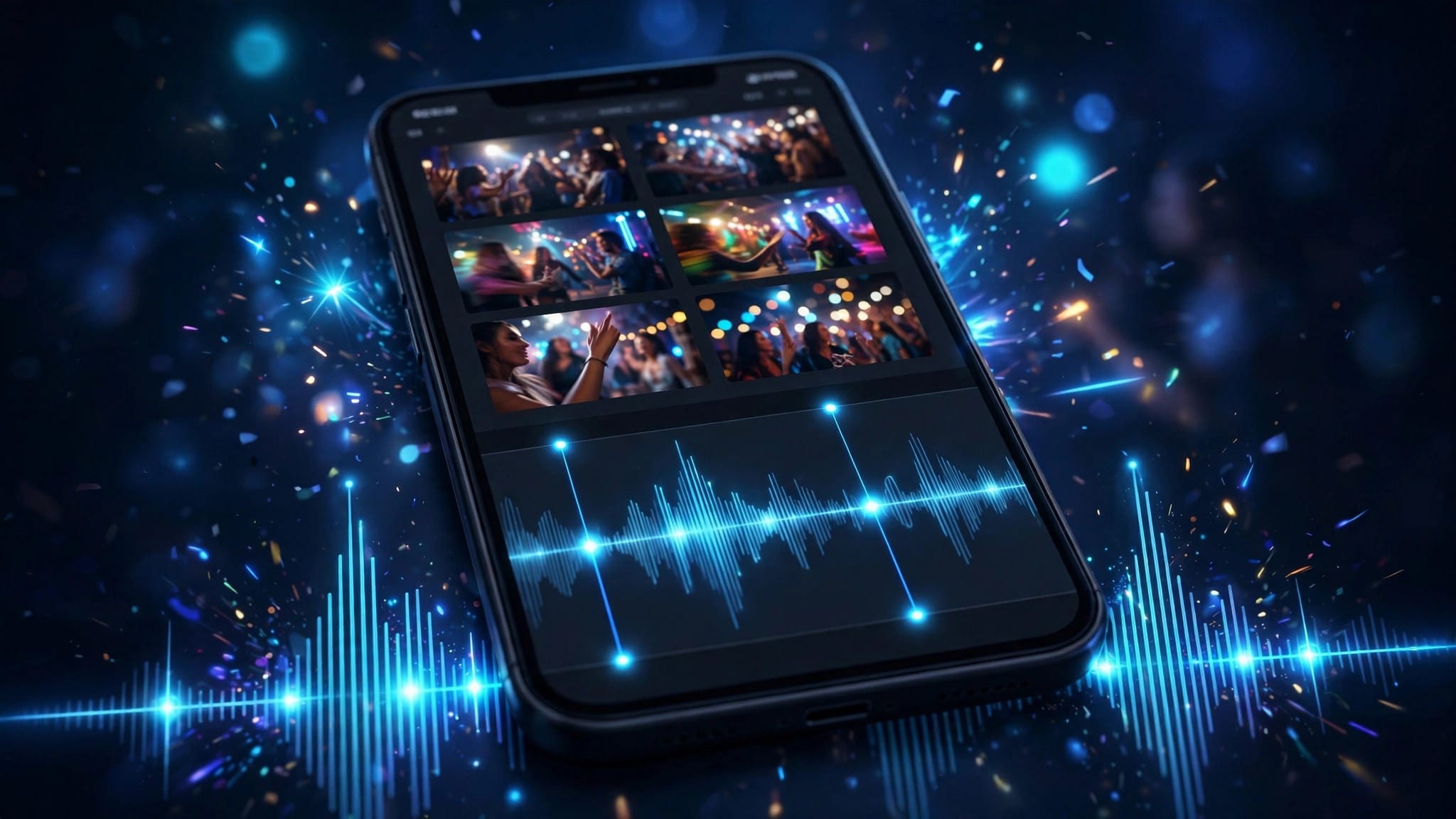
Import audio → tap it → Beats → Create beats automatically (or add markers manually on each drum hit) → drag your cuts to snap to the markers. The template just pre-does this work.
What BPM works best for beat sync edits?
120–150 BPM is the sweet spot — fast enough to feel energetic, slow enough that cuts don’t become a blur. Phonk and EDM dominate the trend for a reason.
Can I use my own song with a beat sync template?
You can, but the cuts won’t align unless your song’s beats fall at the same timestamps. For custom songs, build the sync manually with beat markers instead.
Why do my cuts feel slightly off?
Usually 2–5 frames of misalignment, or the clip’s action peak doesn’t coincide with the cut point. Nudge at the frame level and trim so each clip’s punchiest moment lands exactly on its cut.
Conclusion
The beat sync template gives you professionally timed cuts in minutes: keep the original audio, pick energetic clips, fill only the slots you need, and nudge everything to frame-perfect. Add flashes on the drops and vary the rhythm so it breathes. Master this, and every edit you post will feel like it was cut by someone with scary-good timing — because the template did the timing, and you did the taste. And once the template feels easy, try building one sync manually with beat markers: that’s the skill that separates template users from editors.