Best CapCut Birthday Templates (With Links)
Why Birthday Templates?
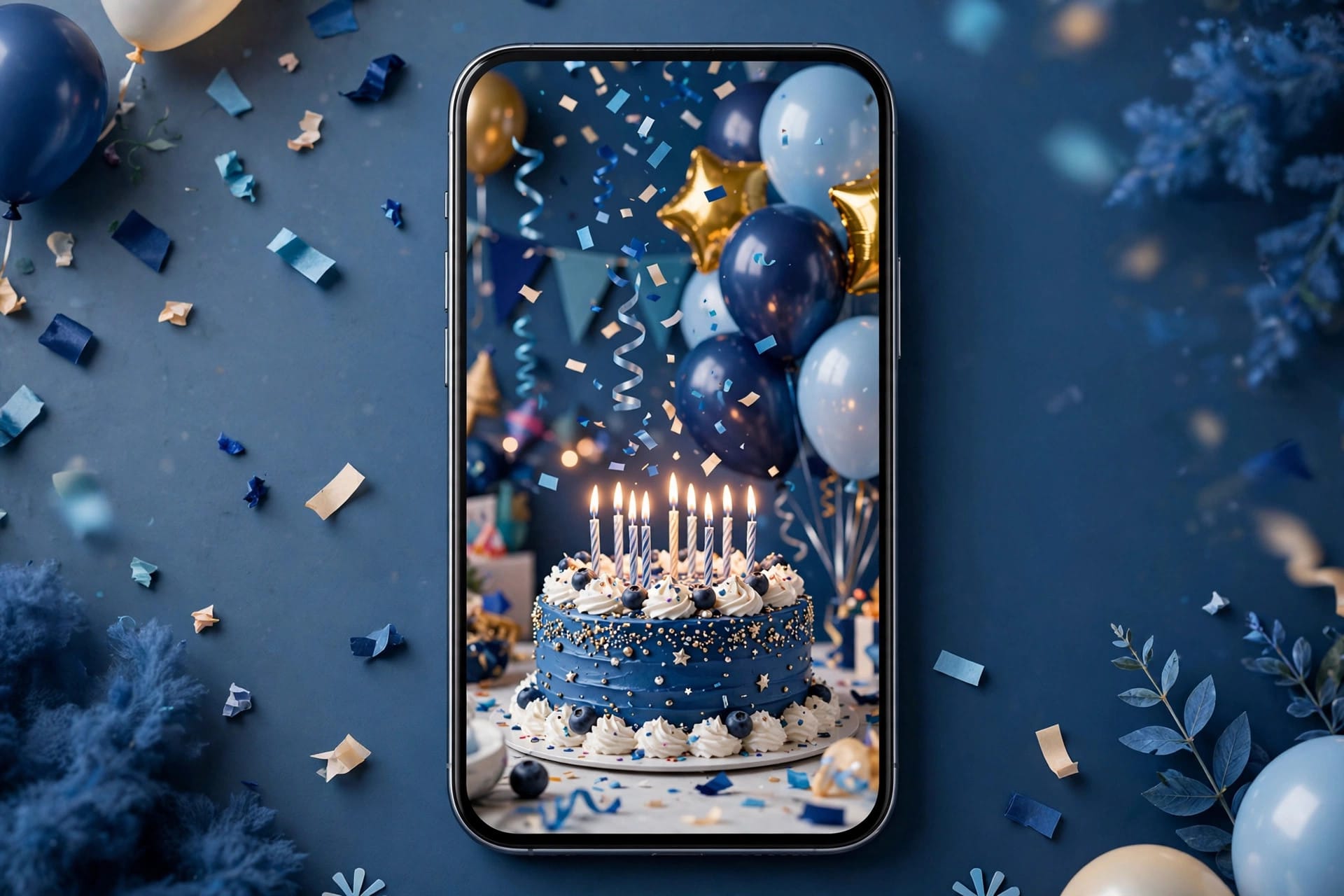
Nobody has time to hand-edit a birthday video anymore — but a generic “happy birthday” text post feels lazy. CapCut birthday templates are the middle path: pre-built celebratory edits with confetti bursts, photo montages, music drops, and animated text, where you just add the birthday person’s photos. Five minutes of work, and it looks like you hired an editor.
This guide collects the best CapCut birthday templates for every situation — friends, family, kids, partners — plus how to find them, customize them, and avoid the cheesy pitfalls.
The Best CapCut Birthday Templates by Occasion
For friends: the party montage
High-energy template: quick photo cuts on the beat, confetti overlays, bold animated “HAPPY BIRTHDAY” text. Fill 8–12 slots with your best photos together — the messier and funnier, the better. This is the most-used birthday template style because it works for any friend.
For family: the warm slideshow
Slower, emotional template: gentle Ken Burns pans across family photos, soft piano or acoustic audio, elegant serif text. Made for parents and grandparents — heartfelt beats flashy here. Use chronological photos (childhood → now) for maximum tears.
For kids: the cartoon explosion
Bright colors, bouncing text, cartoon stickers, playful sound effects. Kids’ birthday templates are unapologetically loud and colorful — that’s the point. Add the birthday kid’s name in big letters; they will watch it 50 times.
For partners: the cinematic love edit
Slow-mo clips, romantic grading, meaningful song, minimal text. The couple-edit aesthetic: less is more. One template, your best 5–6 moments together, and a song that actually means something to you two.
For milestones (18th, 21st, 30th, 50th)
Big-number templates built around the age: giant animated numerals, “cheers to 30 years” framing, decade photo montages. The number IS the design — pick a template where the age numeral is the hero element.
For colleagues: the clean office edit
Restrained template: simple photo cards, neutral music, professional text. Funny-but-safe. Avoid the party-montage energy for work birthdays unless you know the culture. A group photo of the team with a simple “Happy Birthday!” card is always a safe win — save the wild edits for friends.
How to Find Birthday Templates (With Links)
In CapCut: Templates tab → search “birthday” + the occasion (“birthday friend”, “birthday kid”, “happy birthday slideshow”). Filter by uses — the proven ones float up.
From links: creators share birthday templates on TikTok, Instagram, and Pinterest with direct links. Tap → opens in CapCut → Use template. Links expire, so if one fails, search its name in-app. Our templates hub collects currently-working template links, and the new-trend roundup tracks viral ones.
What “with links” really means: templates live inside CapCut’s library — there are no permanent web URLs for most of them. Anyone promising “100 birthday template links” usually means in-app search terms or share links that may already be dead. Search in-app first; it’s the reliable path.
Customizing: From Template to Personal
Templates are the skeleton — personalization is what makes people cry (in a good way):
Photos beat effects. The template’s confetti is generic; your photos are not. Spend your time picking the right 8–12 photos, not tweaking effects. Inside jokes in photo form > any transition.
Change the song. The default birthday audio is fine, but the birthday person’s favorite song transforms the edit. Keep the template’s timing — just swap audio with similar energy/BPM.
Add one personal text card. A single honest sentence (“Thanks for being the person I call first”) outperforms ten “HAPPY BIRTHDAY BESTIE” stickers. One sincere card, in the middle, held for 3 seconds.
Use their name. Most templates have a name placeholder — actually fill it. “Happy Birthday, Sarah” hits different from “Happy Birthday!” It’s the smallest effort with the biggest emotional return.
Match the energy. Don’t put death-metal audio on grandma’s slideshow. Don’t put lullabies on your best friend’s party montage. Obvious, yet constantly violated.
Birthday Video Ideas Beyond the Template
Once you’ve nailed the template version, level up: the roast montage — friends each record a 5-second funny message, cut together rapid-fire. The then-and-now — same pose, same place, years apart, morphing between them. The birthday interview — ask the person questions, edit their answers over B-roll of their year. The group sing — everyone sings happy birthday from their own city, synced into one chorus. Templates get you the polished base; these ideas get you the reactions.
When to Share It
Timing matters more than people think. Post/send it in the morning of their birthday — it sets the tone for their whole day, and morning posts get more engagement anyway. For surprise videos, send it to the group chat 10 minutes before you all call them. For public posts (stories/reels), tag them so it lands in their mentions first thing in the morning. A great birthday video sent at 11pm is a good video sent at the wrong time.
Birthday Template Problems — Fixes
“The link won’t open.” Expired or region-locked. Search the template’s name in CapCut’s Templates tab — our template troubleshooting guide has every fix.
“It needs Pro for the confetti effect.” Swap the Pro effect post-apply, or use the modded CapCut with Pro unlocked.
“My photos look cropped weird.” The template was built for specific aspect ratios. Per photo: select it, adjust scale/position before the template animation. Or pre-crop photos to 9:16.
“The timing feels rushed.” You’re stuffing too many photos in. Fewer photos, longer holds. A birthday edit should breathe — it’s a gift, not a trailer.
FAQs
Where can I find CapCut birthday templates?
Templates tab → search “birthday”. For specific vibes add the occasion: “birthday funny”, “birthday elegant”, “birthday kid”.
Are birthday templates free?
Most are. Some use Pro-only effects — swappable after applying, or unlocked in the modded version.
How do I add my own photos to a birthday template?
Use template → tap each placeholder → pick your photo. That’s it. Order them for emotional arc: fun → heartfelt → fun.
What song should I use for a birthday video?
The birthday person’s favorite song, always. Failing that: upbeat pop for friends, warm acoustic for family, playful tunes for kids.
How long should a birthday video be?
30–60 seconds. Long enough to feel substantial, short enough to rewatch. If you have more photos, make it a two-parter, not a three-minute epic.
Can I make a birthday template from scratch?
Yes — and reusing it yearly becomes a tradition. Build it once (intro card, photo slots with your favorite transitions, outro), save as a draft, duplicate each year with new photos.
Why do my birthday videos look cheesy?
Usually three culprits: too many sticker effects, the default template song everyone recognizes, and zero personal photos. Fix all three — restrained effects, their song, real photos — and the cheese disappears.
Conclusion
The best birthday template is the one that fits the person: party energy for friends, warmth for family, chaos for kids, cinema for partners. Pick the right skeleton, then make it personal — right photos, their song, their name, one honest sentence. Five minutes of work, and you’ll be the person who “made that amazing video.” Every year. And if you build your own from scratch once, next year’s video takes two minutes: swap the photos, keep the magic.